
Searching the Painesville Court Docket
Painesville Municipal Court runs its own search channels. They are a Case Search, a Court Schedule, and a Daily Docket. None of these match the Lake Clerk's Common Pleas Court Record Search. Traffic tickets, misdemeanors, ordinance violations, civil claims, and small claims all start at the municipal court. The one big exception is a felony. Once a felony moves past the municipal probable-cause stage, it belongs to the Common Pleas docket.
Pick the tool that fits your question. CaseLook finds a specific entry. The hearing schedule covers a date range, and the Daily Docket stands alone. The court warns that online data can lag behind filings. Do not trust the screen alone. For a hearing you cannot miss, trust the current notice and the Traffic/Criminal Clerk.
- Open the Painesville Municipal Court site and choose Case Search, Court Schedule, or Daily Docket according to the information available.
- For a date-range question, use the hearing schedule. For a particular case, use the CaseLook route or the citation or case information on the court notice.
- Read the most recent entry or notice for the setting, status, and any change in appearance instructions.
- If the display does not answer the question, call the Traffic/Criminal Clerk at (440) 392-5900 or use the court's written-request or counter route for verified information.
- Use the Lake County Clerk system only after the case has a documented Common Pleas or appellate destination.
Painesville CaseLook Has a Verified-Information Warning
CaseLook is a public aid, not a verified court record. Its terms say online information is current only within the court's retrieval limits. It may lag behind filings or judicial action. The homepage adds one more limit. General website updates can take up to 24 hours. Anyone who needs verified information should take a different route. Submit a written request or visit during regular court hours.
The inner search fields vary by provider and screen. Treat CaseLook as a starting point rather than proof. A neighboring municipal court's form is no substitute for the local interface. For a critical Painesville criminal docket question, the Clerk's office answers what the screen cannot. Painesville CaseLook's public terms screen shows the consent route and the court's access warning.
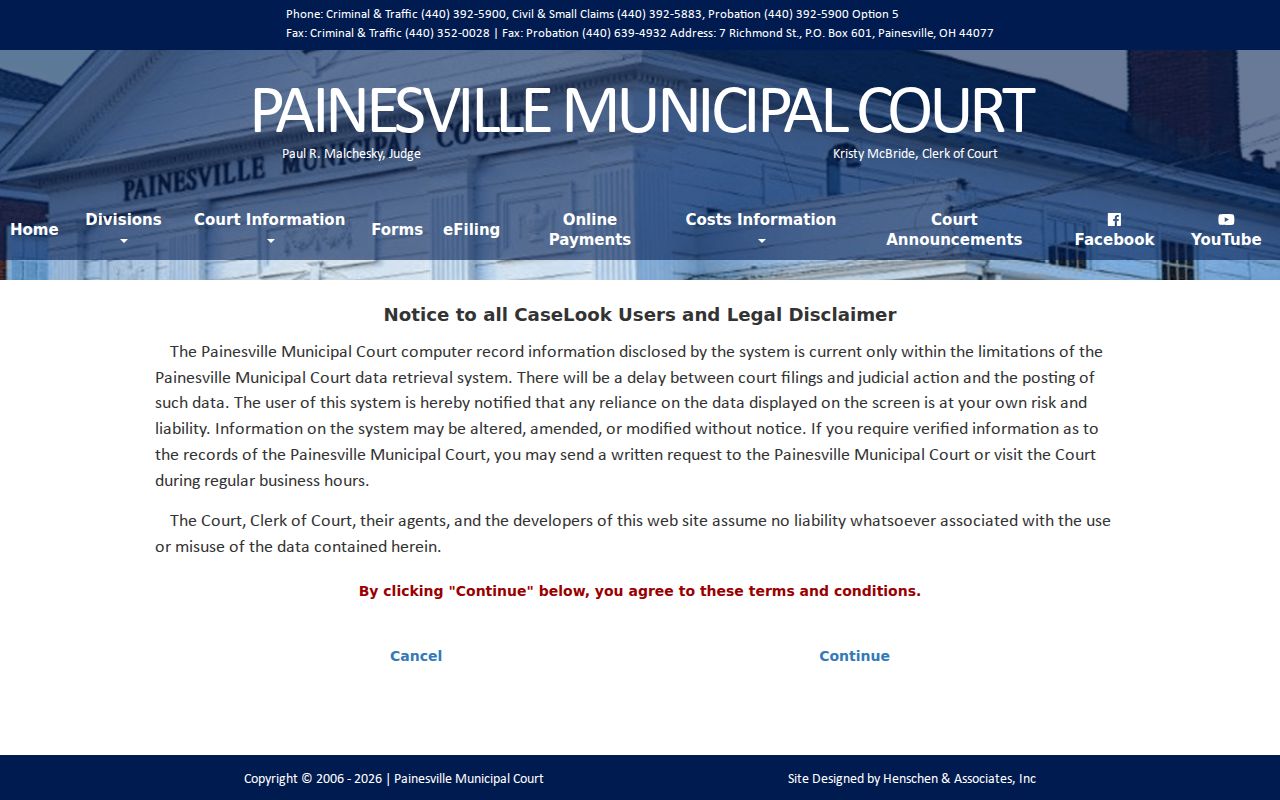
The warning leaves a practical fallback. Identify the case or citation, check CaseLook or the schedule, then call the Clerk when the online result is delayed or incomplete.
Painesville Municipal Court Basics
Painesville Municipal Court sits at 7 Richmond Street in Painesville. The Traffic/Criminal line is (440) 392-5900; Civil/Small Claims uses (440) 392-5883. Hours run 8:00 to 4:30 Monday through Wednesday. Thursday and Friday hours are 8:00 to 4:00. Separate numbers keep a small-claims question from landing in the traffic queue.
The court keeps the municipal docket. It covers traffic, criminal, civil, and small-claims matters in its jurisdiction. Payments go through online, mail, counter, and phone channels. But paying a ticket is not the same as requesting records. Civil filings became e-file only on May 1, 2026. That change says nothing about search scope. CaseLook remains a local form, not a statewide lookup. Painesville Municipal Court's official homepage lays out its services, daily-docket access, and case-search routes.
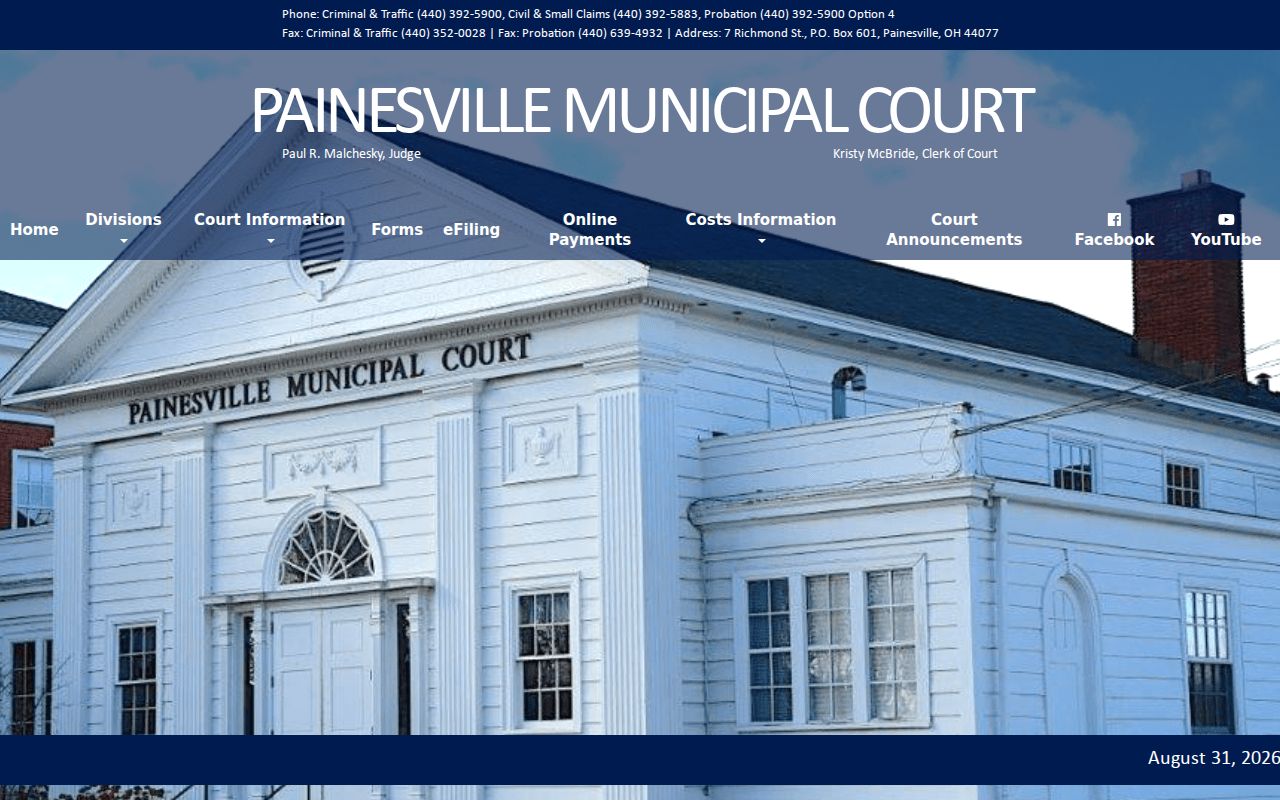
Do not confuse the buildings. The Painesville courthouse is separate from the nearby Common Pleas courthouse and the Lake Clerk's West Annex. A Painesville citation or case number stays at Richmond Street unless the record shows a later Common Pleas or Eleventh District destination.
Painesville Logged 7,607 Traffic Citations and Complaints
Painesville's 2025 annual report counts 7,607 traffic citations and complaints. That figure comes from the municipal court's own annual report. Not every citation came from Painesville Police. And it says nothing about citywide traffic conditions. The report separates its stated sources. That gives useful context for the traffic volume on the municipal docket.
The report covers other sources and categories too. The total helps size the court's workload. For your own appearance or payment question, the exact citation, the case, and the current Painesville notice still control.
Court Dates and Settings in Painesville
The hearing schedule is a schedule-type and date-range tool. It is not a name or case-number lookup. To find a particular Painesville hearing, set a category and dates, then compare the results against the latest notice, since website updates may take up to 24 hours.
The published controls are specific. They take a hearing category plus a beginning and ending date and produce a downloadable schedule. Judge, courtroom, attorney, and other individual settings come from the case notice or the Clerk.
| Schedule Type | Required Painesville dropdown with documented choices of Traffic/Criminal Hearings, Civil Hearings, and Arraignments. |
|---|---|
| Beginning Date | Required Painesville month, day, and year controls that start the requested schedule interval. |
| Ending Date | Required Painesville month, day, and year controls that close the requested schedule interval. |
| Prepare/download schedule | Required Painesville action that supplies a download link after processing. |
Painesville Calendar Sorts Hearings by Schedule Type
The Painesville hearing calendar sorts its options into Traffic/Criminal Hearings, Civil Hearings, and Arraignments. That grouping helps a user choose the right schedule before picking dates. It does not mean every Painesville event posts immediately. Nor does it replace the individual docket entry.
- Arraignment
- A scheduled court event addressing the charge and plea process. A Painesville arraignment is one of the calendar's published schedule categories.
- Traffic/Criminal hearing
- A Painesville schedule category for municipal traffic or criminal proceedings; the notice supplies the case-specific instruction.
- Civil hearing
- A Painesville schedule category for civil matters, separate from the court's traffic and criminal calendar selection.
For an urgent Painesville setting, work the sequence: schedule or CaseLook first, latest notice second, then the Traffic/Criminal Clerk. An earlier download cannot rule out a later continuance.
Traffic Tickets in Painesville
Start with Painesville Municipal Court when a traffic ticket cites you there. The court takes payment online, by mail, or at the counter. The phone line is (866) 895-0198. Payment works only if the ticket itself allows it. The citation and court notice control that, and they also say whether you must appear.
The February 2026 waiver schedule shows set amounts for identified traffic matters in Painesville. Ordinary nonmoving violations run $146. Selected speeding ranges have listed amounts too. Those figures are examples, though, not a calculator. A charge may fall outside waiver, sit in a different category, or carry a court setting that makes the ticket's own directions control.
Paying is not a neutral lookup. For an eligible ticket, full payment works as a plea and a waiver. If you want to fight the charge, follow the arraignment or notice instructions instead of assuming the payment line closes the case.
Painesville Phone Payment Is Different From Appearing
Think of Painesville's phone-payment line as a convenience, nothing more. It is not a court-date search and not an appeal. The court pairs it with online, mail, and counter options. Every route hinges on the ticket's exact terms. A notice that requires a court date wins. Pay remotely only when the ticket clearly permits it.
Painesville payment choice: Full payment of an eligible Painesville ticket is a plea and waiver route. If no waiver is desired, use the Painesville appearance instruction and contact the court rather than paying first.
The Painesville waiver schedule lists sample charges with dollar amounts. Still, the schedule is only a guide. The court and the citation set the real amount, decide whether waiver applies, and say if you must appear.
Where Painesville Cases Go
Most Painesville traffic and misdemeanor cases stay put. Painesville Municipal Court keeps the docket, the hearing schedule, and the Clerk contact. A felony can start there for a probable-cause look. It then moves to Lake County Common Pleas. A final municipal decision gets reviewed by the Eleventh District Court of Appeals.
Docket flow: Painesville Municipal Court › Lake County Court of Common Pleas › Eleventh District Court of Appeals
That routing changes how you search. Pull the local case number, ticket, schedule, and municipal entries from Painesville first. Does the record show a Common Pleas filing or an appeal? Switch to the Lake Clerk's official record channel. Use the new court's case information there. Later filings will not all sit inside Painesville CaseLook.
Painesville Felony Stages Move to Common Pleas
A felony may pass through Painesville Municipal Court early on. That probable-cause stage is all the municipal docket holds. The continuing felony docket belongs to Lake County Common Pleas. So a Painesville search alone is never a full felony history. The Common Pleas Clerk keeps everything after the municipal stage ends.
Appeals create their own records too. The Eleventh District reviews a final municipal decision as a separate appellate docket. It is not another Painesville case page. Expect different case identifiers across the Painesville docket, the Common Pleas record, and the appellate file. All three trace one legal path.
Painesville Court Record Access Rules
Ohio presumes public access to Painesville court records, within court-rule, statute, and restriction limits. Painesville CaseLook helps locate public case information. The court itself, though, draws a line between online access and verified information. Does a result need confirming? Is a record not visible online? A written request or a counter visit is the documented route.
Public access does not mean every document shows up remotely. The Ohio rules permit inspection at the courthouse. Remote access stays narrower, and the rules shield personal identifiers and restricted material. A missing online entry or image can reflect an access rule. It can also reflect a coverage limit, or timing. It does not always mean no court file exists.
Ohio public-access rules:
Ohio Rules of Superintendence 11.10 starts court-record access with a presumption of public availability unless a rule, statute, or restriction applies.
Ohio Rules of Superintendence 11.11 and 11.12 distinguish direct courthouse access from remote access, which need not include every document.
Ohio Revised Code 149.43 is the general public-records statute, while judicial case records are primarily governed by the more specific court-access rules.
Painesville Court Files and State BMV Files Differ
A Painesville court file tells the story of the municipal case. It shows the citation or charge, the hearing settings, the plea, the costs or fine, and the disposition. The state Bureau of Motor Vehicles keeps a wholly separate file. A Painesville traffic outcome can trigger state reporting. But the court docket never substitutes for the state record. The state file never supplies Painesville docket entries either.
Need a certified court record or a fix for an unverified CaseLook result? Start with Painesville Municipal Court and follow the Clerk's request steps. For a current hearing, trust the Painesville notice and the Clerk. Keep the court file and the state file straight. That keeps a city-court request from landing with the wrong office.