
Getting Lake County Court Records
First, figure out which court owns the file. The Lake County Clerk of Courts holds General Division records. Domestic Relations and Eleventh District Court of Appeals records sit with the same office. Probate runs its own clerk and search. Each municipal court keeps its own local files. Juvenile records follow Juvenile Court access rules. Ohio has no single statewide trial-court docket covering all of them. A case number is the handiest detail. The court name and record description matter too.
For General Division and Domestic Relations cases, the Clerk's Court Record Search finds cases. It also returns any available images. Case coverage runs from 1990 forward; document images from 2017 forward. If an item is not visible, use the Clerk's email request route or the public counter. The same routes serve a certified or paper copy. Mailed copies follow the Clerk's invoice and payment process. Call (440) 350-2657 if the right route is unclear.
- Read the case paperwork or docket entry for the court name, case number, document date, and document description.
- Use the matching public portal first: the Clerk search for General or Domestic Relations, Probate eServe for probate, or the relevant municipal court system.
- For a General or Domestic Relations document not available online, email coc@lakerecordrequest.org with the case number and documents requested.
- For Probate, give the Probate clerk the case number, docket date, and docket description; inspect nonrestricted material in person when needed.
- Review the Clerk's invoice before paying for physical or certified copies, then confirm the court has supplied the requested record.
Note: A portal result helps you locate a file. The clerk holding the original record still controls copies and certification.
Lake County Court Record Custody
Lake County splits its records by division rather than keeping one countywide file room. The elected Clerk files, dockets, indexes, preserves, and copies records for Common Pleas General Division civil and felony cases, Domestic Relations, and the local Eleventh District appeal record. Probate has its own eServe and docket-entry route. Mentor, Painesville, and Willoughby Municipal Court clerks each hold their own traffic, misdemeanor, small-claims, eviction, and municipal civil records. Juvenile Court runs its own Clerk's Office with controlled access.
That custody map saves you a dead end. A municipal case belongs with the municipal clerk, not the Common Pleas Clerk, even if the citation arose in Lake County. A probate estate goes to Probate. When the court on a record is unclear, the county's municipal-court directory is the official starting point. The Clerk's Court Record Search works well for General and Domestic Relations files, but it is no universal Lake County search.
Court Record Types
A docket lists filings, notices, orders, and settings in date order. The full court record may also include the documents behind those entries. Remote access varies by division and document type. A record can be public while its online image stays unavailable. Ask the right clerk about the direct copy route.
- General Division civil, felony-criminal, foreclosure, and administrative-appeal records kept by the Lake County Clerk.
- Domestic Relations docket entries and documents, with divorce and dissolution images excluded from the Clerk's public remote image collection.
- Probate estate, guardianship, and related records kept by the Probate Court clerk, with separate adoption confidentiality rules.
- Municipal traffic, misdemeanor, limited civil, and small-claims files kept by the appropriate municipal court clerk.
- Juvenile files and juvenile traffic matters, which remain subject to Juvenile Court confidentiality and access rules.
Probate's public-records instructions describe its own image, email-copy, audio, and in-person channels.
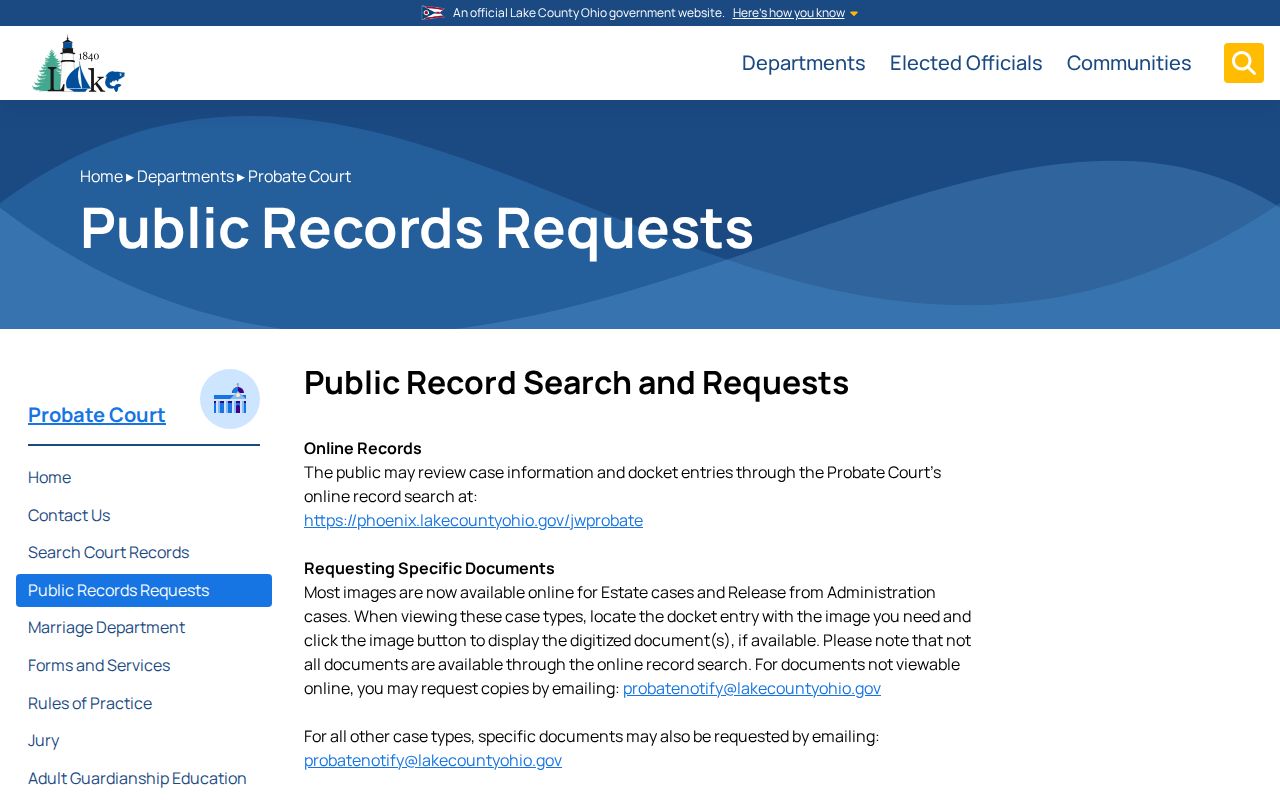
Probate's separate request process shows why the Lake County Court Record Search is only one piece of a complete records search.
Lake County Clerk Email Requests
The Common Pleas request path is simple by design, but it needs usable details. Email the case number and the documents you want to coc@lakerecordrequest.org. Missing a divorce or dissolution number? The Clerk asks for both married parties' first and last names plus the case year. The published instructions promise no turnaround time. They list no identification requirement and offer no checkbox form. Before mailing a paid physical or certified copy, the Clerk sends a detailed invoice.
Transcripts go elsewhere. Contact the official court reporter for the judge who heard the matter. That is the route for a Common Pleas hearing transcript. A portal payment is not a document request. A free web print is not a certified copy. Including the docket date and description helps the clerk sort out similarly named filings before you email.
The Clerk's published records-request directions set out the coverage and copy path for General and Domestic Relations records.
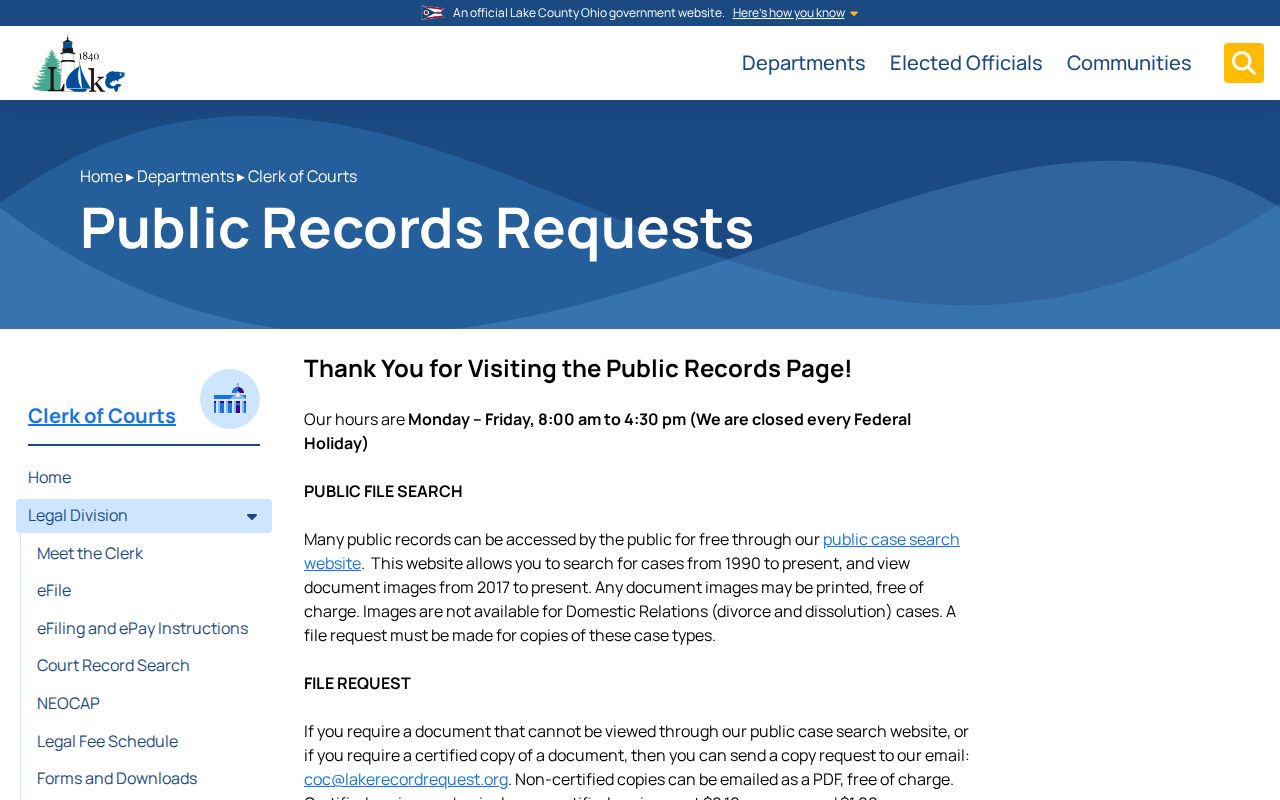
The coverage dates and email-copy fallback in the Clerk material separate a searchable court record from a document you must request.
Inside a Lake County Court Record
A General Division record usually opens with the case number and dated docket entries. Lake's numbering uses a two-digit filing year, a two-letter category, then six sequential digits, no spaces. A pattern like 12CV003456 shows the year and a civil category only. It says nothing about contents or final outcome. Read entries in date order. Then pull the image or a clerk copy for the underlying document.
| Case number and type | Identifies the local case category, such as CV, CR, or CF, and the sequential file. |
|---|---|
| Docket entries | The dated chronological record of filings, orders, notices, hearing dates, and procedural status. |
| Initiating action | The event that began the listed case, as shown in the Clerk's accessible search-result material. |
| Document image | A remotely viewable filing or order where the Clerk makes an image available; it is not an authenticated copy. |
| Journal entry or judgment | A filed court entry or decision; certification must come from the legal custodian. |
| Exhibit or media item | Material that can require different court permission or appointment procedures rather than ordinary remote access. |
In Lake eFiling, the document note you type becomes the docket description on the Lake County court docket. Keep it short and precise. A clear date plus a matching description helps the clerk pull that exact filing fast.
Lake County Historic Court Records
Age does not erase a Lake County court record. A file from decades ago may simply sit in storage rather than online. In November 2023 the Clerk opened a Records Center. It pulled court records together from four locations outside downtown Painesville. Its shelves run by case type and year, back to the 1800s. Civil, criminal, domestic, real-estate, foreclosure, and sealed-record holdings are all there.
Ask about a historic court docket by giving the Clerk the year and the case type. The Records Center opens a door to older files. It is not a promise that everything has been digitized or that everything is public. Original files stay with the Clerk unless a court authorizes their release. If an item is missing, ask the custodian whether storage, digitization limits, media handling, or a restriction explains the gap. Note: whether a historic record exists and whether the public may see it are two different questions. That is especially true when a file holds sealed or restricted material.
Fees and Certified Copies
Think about what you actually need before ordering. A plain PDF works for reading. A certified copy works for official use. Non-certified General or Domestic Relations copies emailed as PDFs are free, per the Clerk. Physical non-certified copies run ten cents per page. Certified copies cost the per-page amount plus a one-dollar certification, and postage is added when the Clerk mails them. An invoice comes first, then the copy. Probate posts its own fee schedule, so do not apply its figures to Common Pleas court records.
| Lake County records item | Published amount or route | Scope |
|---|---|---|
| General or Domestic Relations online docket search | Free public access | Clerk search coverage is 1990 forward. |
| Available online image print | Free | Available images begin in 2017, subject to document and case-type limits. |
| Emailed plain PDF copy | Free | Request from the Lake County Clerk when a document is not viewable online. |
| Physical plain copy | $0.10 per page | Postage applies when the paid copy is mailed. |
| Certified General or Domestic Relations copy | $0.10 per page plus $1 per certification | The Clerk invoice and payment process applies. |
| Probate certified copy | $2 | Probate's separate request route may also require advance payment and delivery costs. |
Lake County Clerk of Courts
25 N. Park Place
Painesville, OH 44077
(440) 350-2657
When a nonrestricted Common Pleas record is missing from the online collection, the records counter is the documented fallback. Go there directly for the court docket item you need.
Lake County Electronic Court Records
Lake's eFiling system and its public search do different work. In 2015, a General Division rule made the electronic case and document-management record official. Paper filings can be scanned into it. Lake eFiling and Themis are filing tools for permitted General and Domestic Relations categories. Filing through them does not make every document public. It does not make every document searchable in the same place.
For public viewing, begin with the Clerk's Court Record Search and its images. If a General or Domestic Relations filing is missing there, try the Clerk email or the counter. e-filed documents can be viewed in person at the Clerk's office. Remote access is different. It still depends on case type, document availability, and access rules. A Domestic Relations divorce or dissolution image absent from the web collection deserves a request. It does not prove the file never existed.
Sealed Records and Public Access
Ohio starts from openness. Court records there carry a presumption of public access, but that access has limits. The current Rules of Superintendence draw a line between inspection at the courthouse and remote access. They allow redaction or a court restriction. Lake County shows the pattern. Protection-order files can be open in person yet shielded online. Domestic Relations documents may lack remote images. Juvenile files follow separate confidentiality rules.
Ohio access rules: Sup.R. 11.10 establishes the presumption of public access, while Sup.R. 11.11 through 11.14 govern direct and remote access, personal identifiers, and restrictions.
Ohio Revised Code 149.43 is the general public-records statute, and R.C. 2953.32 provides the adult criminal sealing and expungement application route under statutory conditions.
The Ohio sealing statute lays out a court process with eligibility conditions and exclusions. It is not a search filter applied to public docket results.
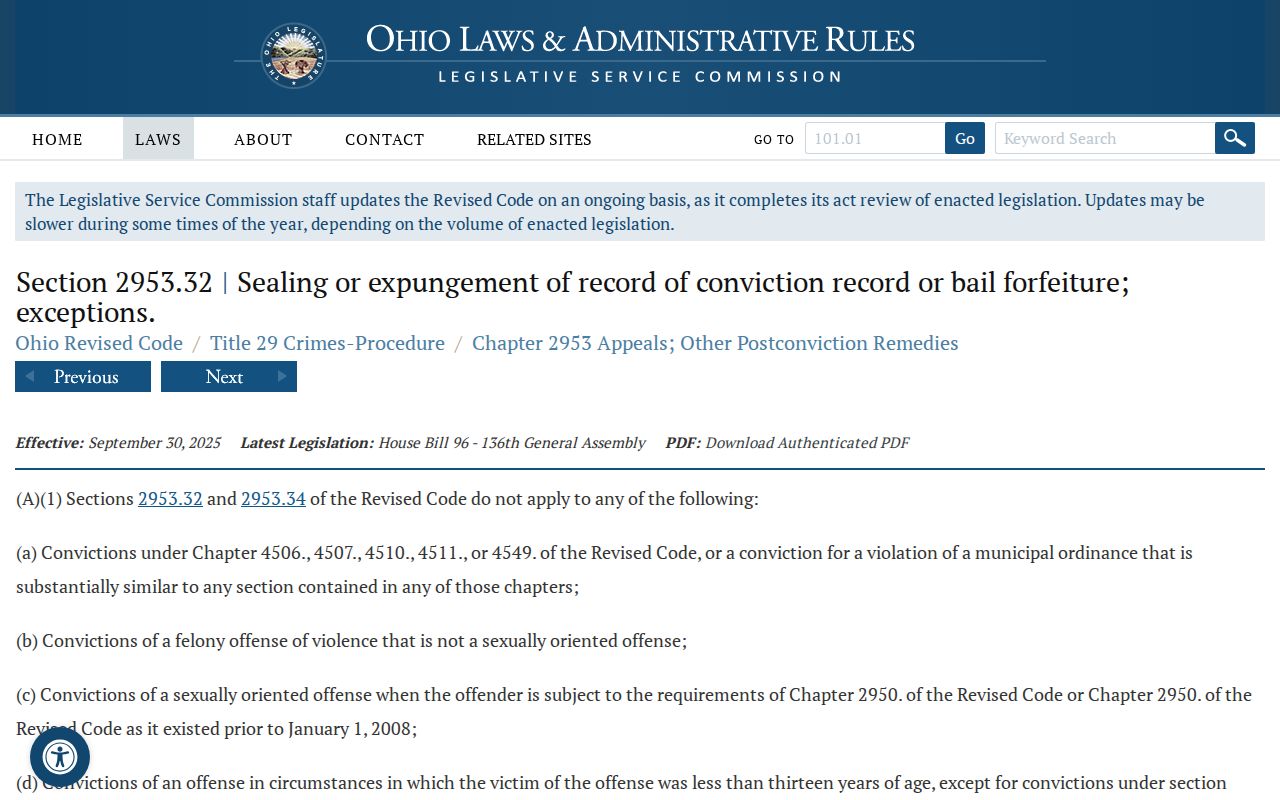
A missing online image has many possible causes. Redaction, a remote-access limit, a controlled Juvenile file, or a sealing order could all explain it, so the originating clerk is the right source for status.
Lake County Court Record Limits
Three boundaries matter here: search coverage, image coverage, and certification. General and Domestic Relations case information is searchable from 1990 forward. Images only begin in 2017. Probate images stop at the case types and docket entries the court chooses to show. Each Municipal system sets its own search coverage. No Ohio statewide public trial-court search combines every Lake County division.
When you need a court record for a specific purpose, verify it. Go to the custodian who maintains it. Name the case, the document, the date, and the court in your request. If a document is not online, ask. The right route may be a copy request, direct inspection, a court-reporter request, or a restricted-access procedure. That keeps your docket search anchored. It points you to the Lake County office that can actually answer it.